


3D Print Replica Retro SONY PVM Monitor and 50 similar items
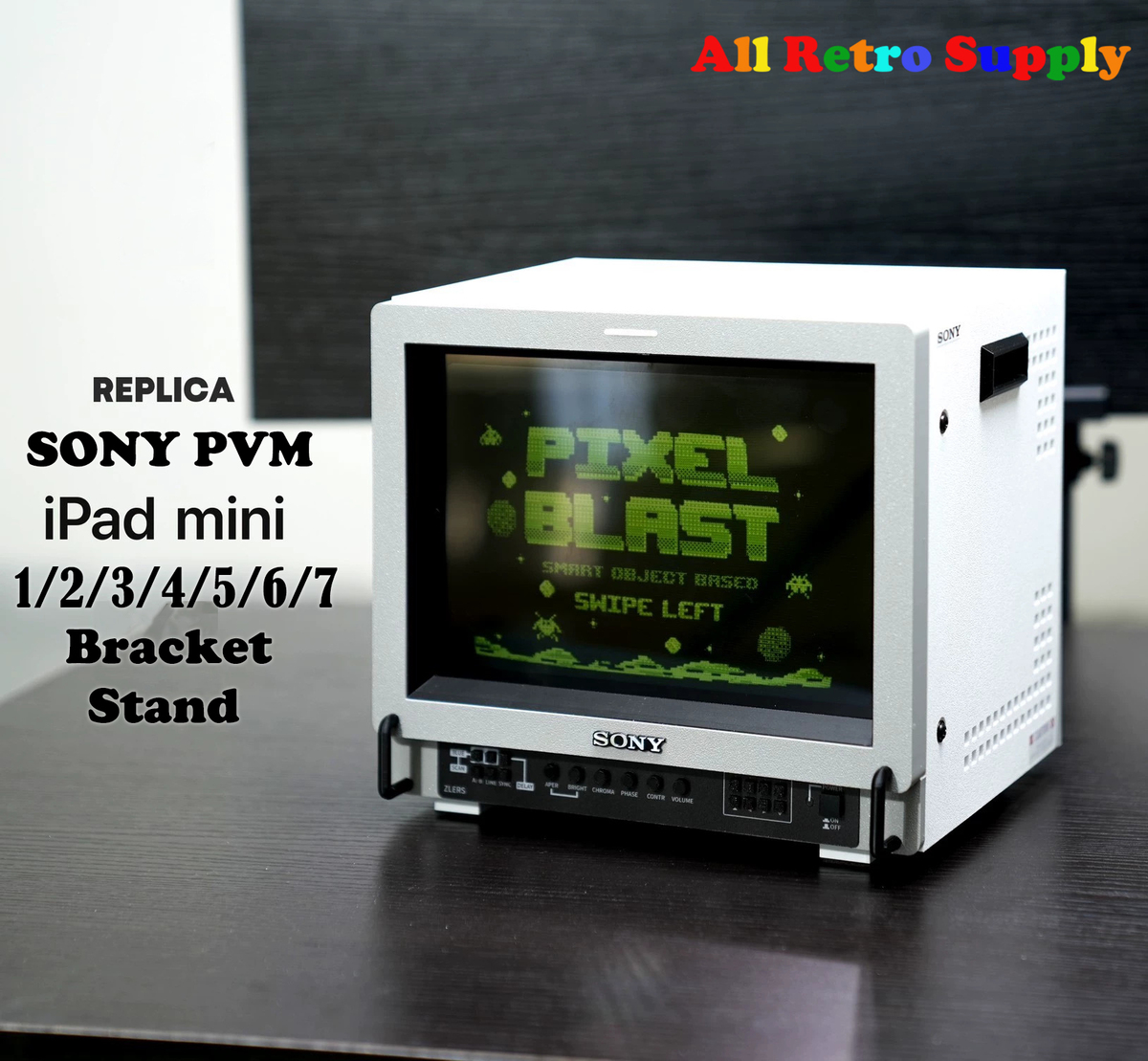
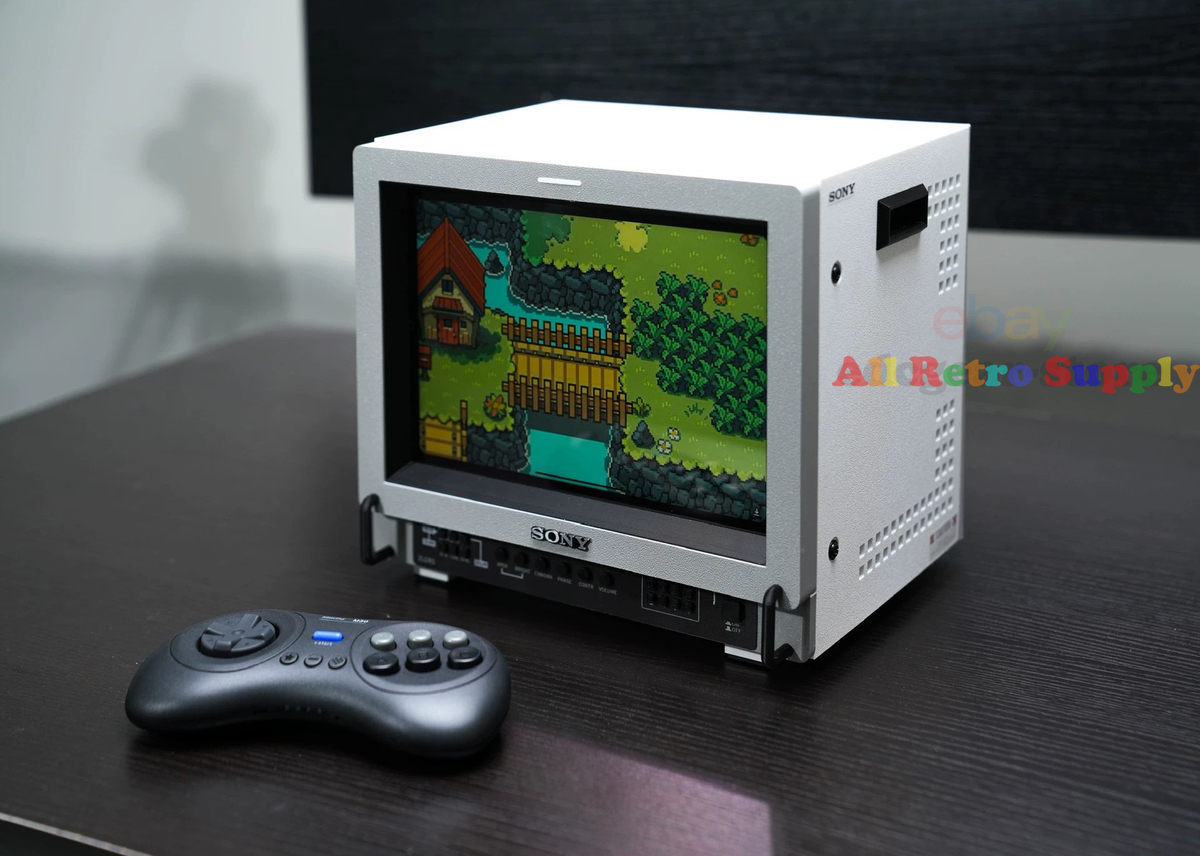

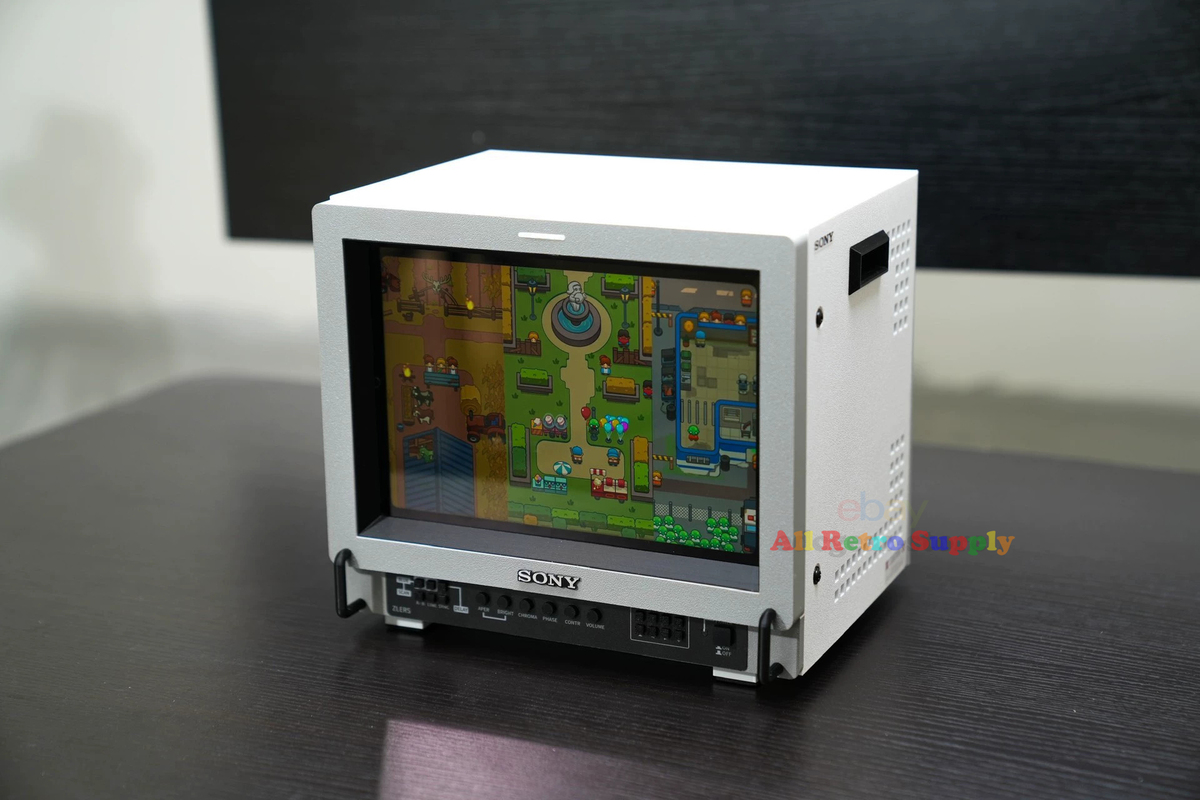
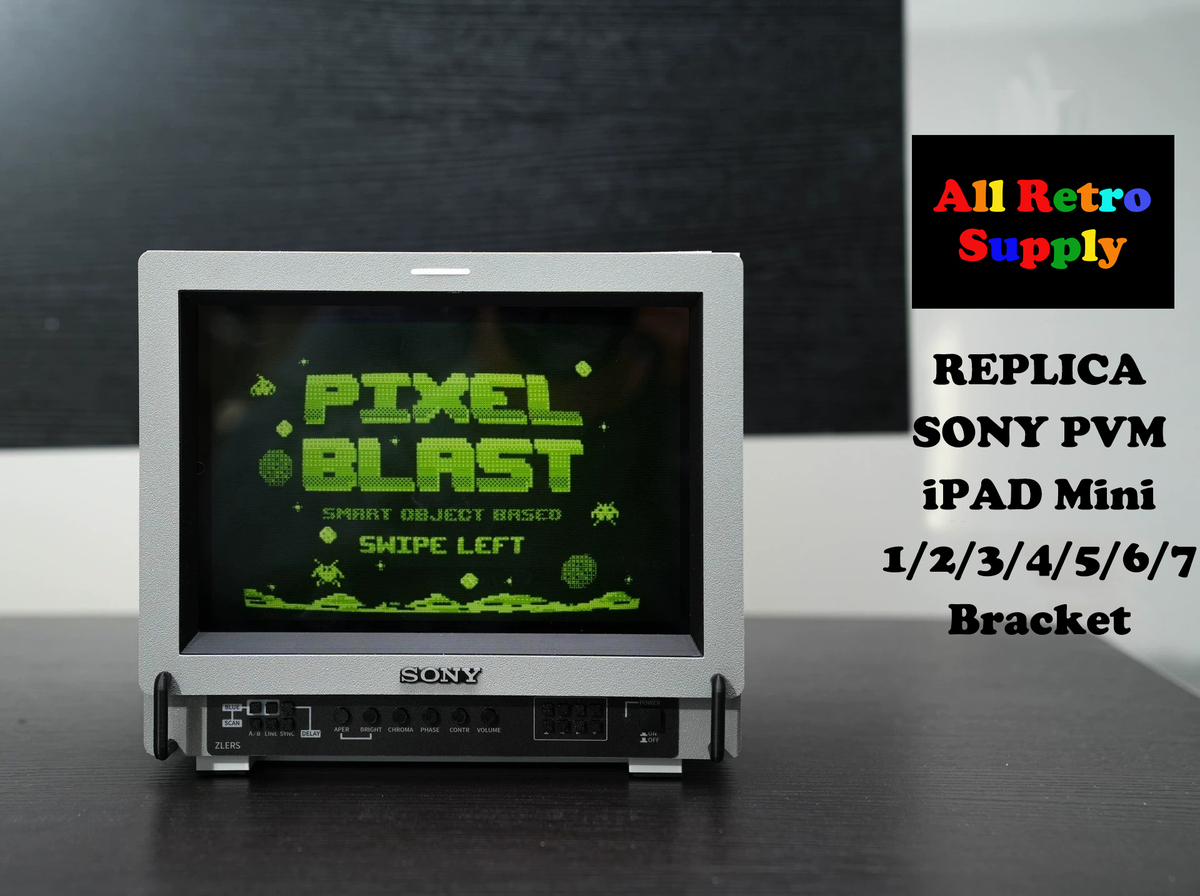
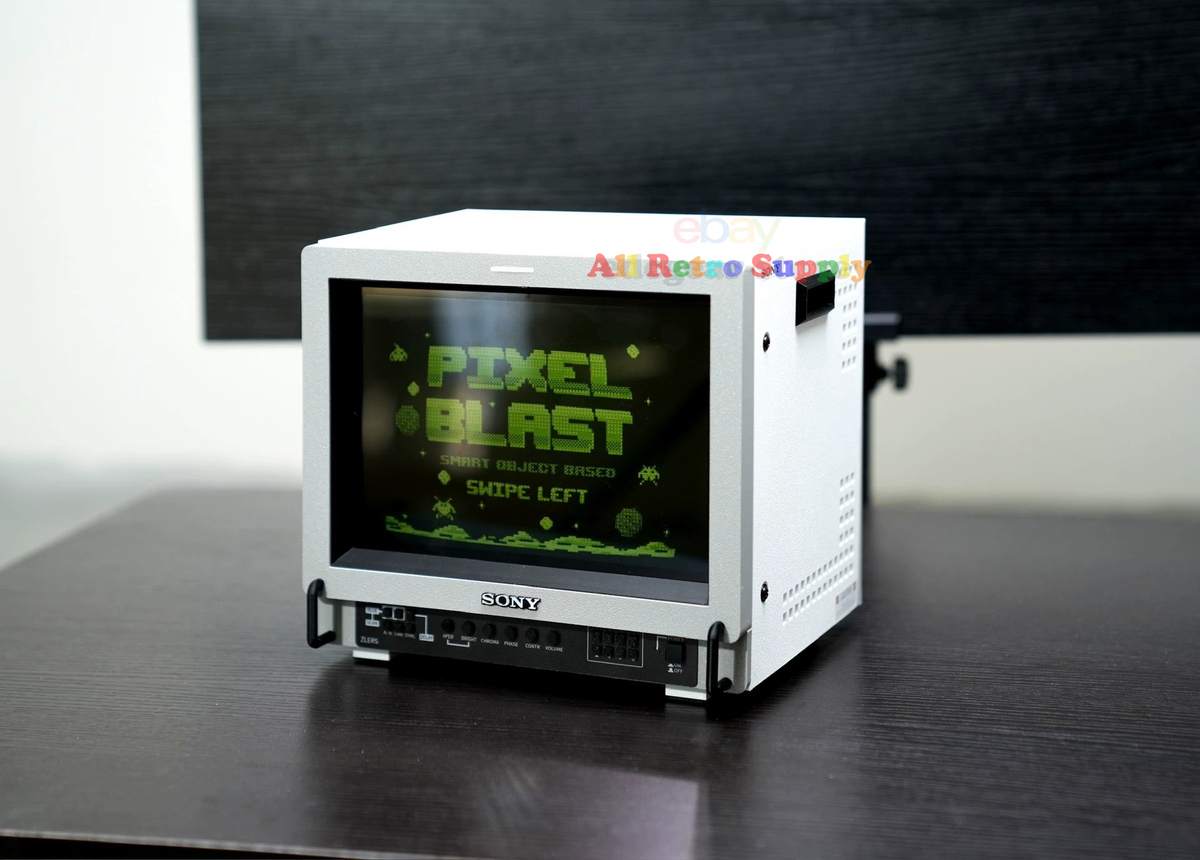
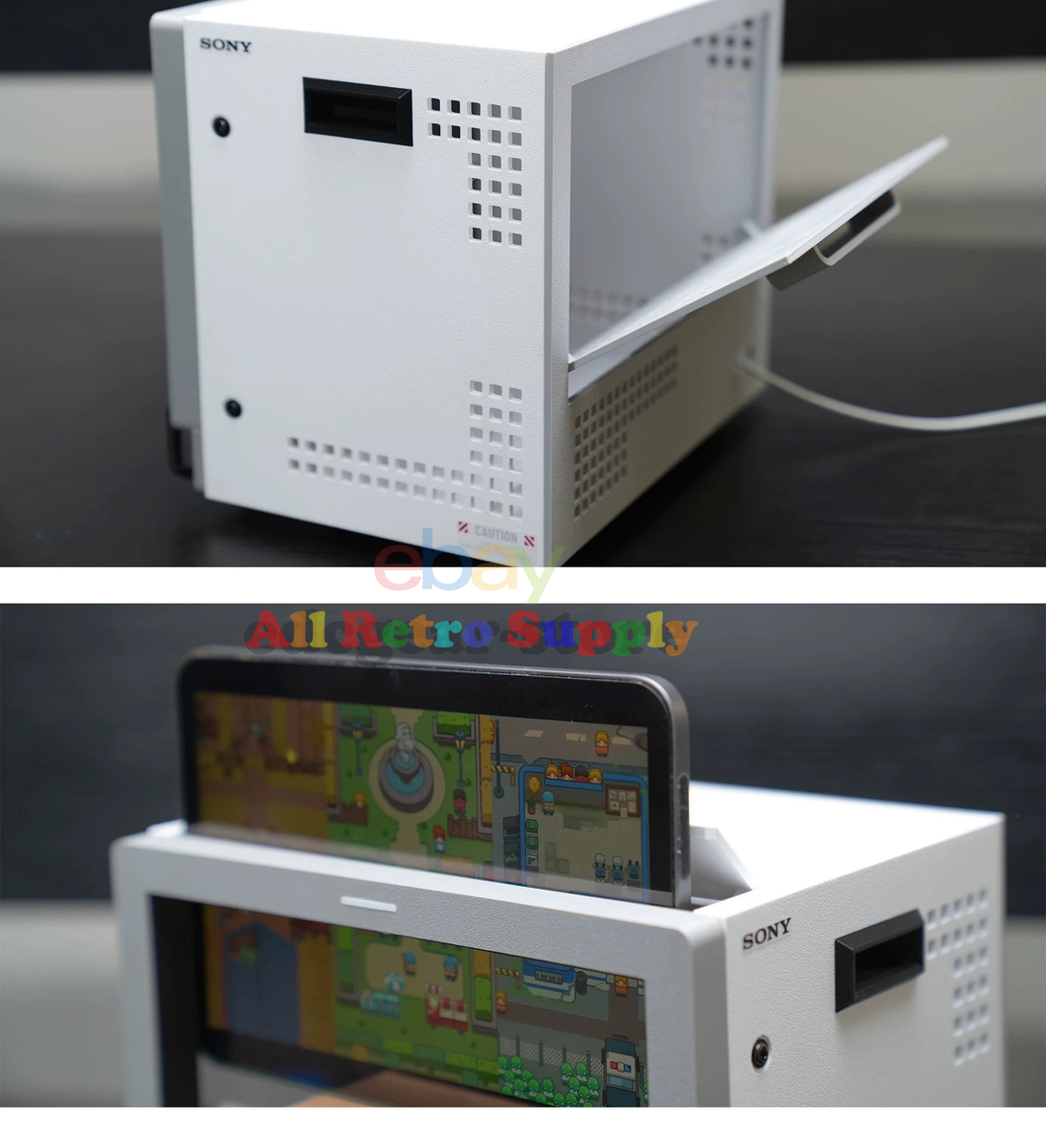
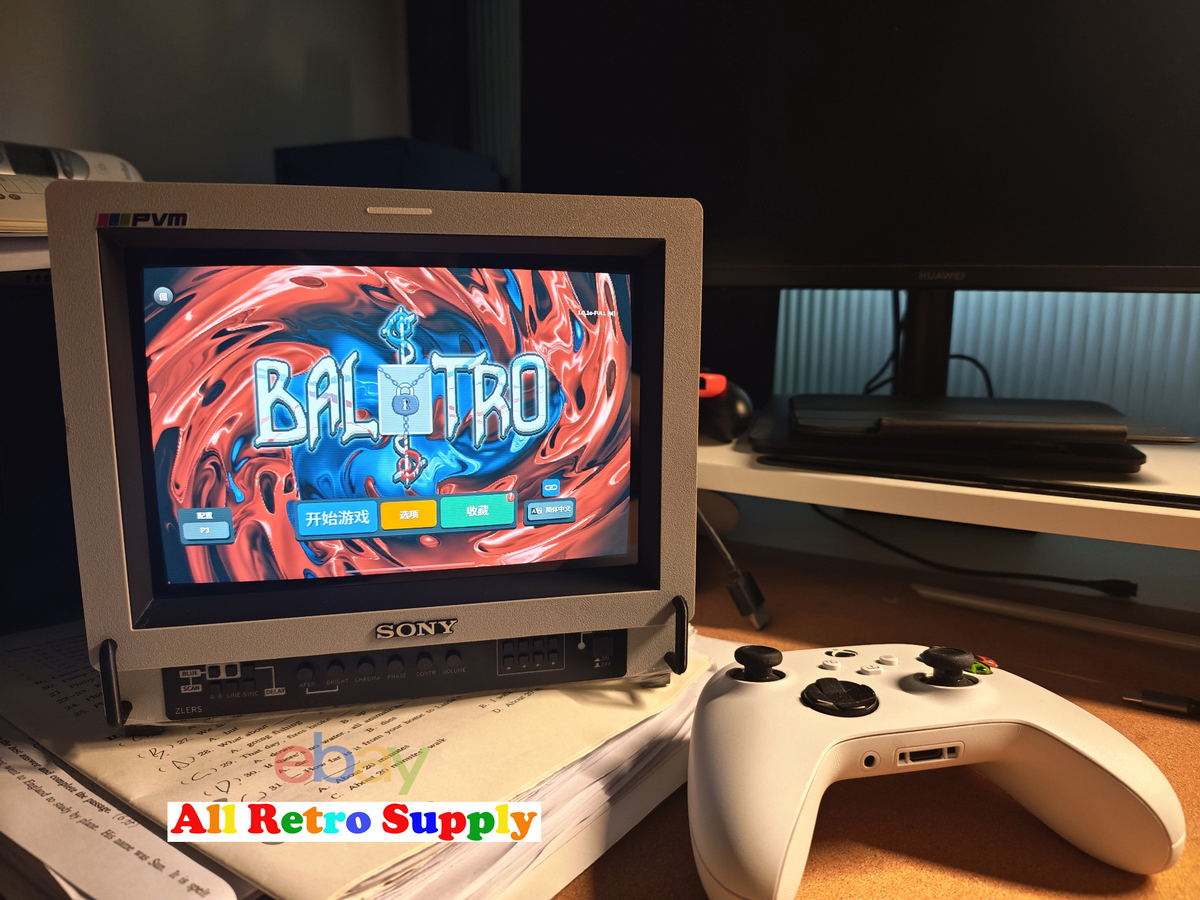
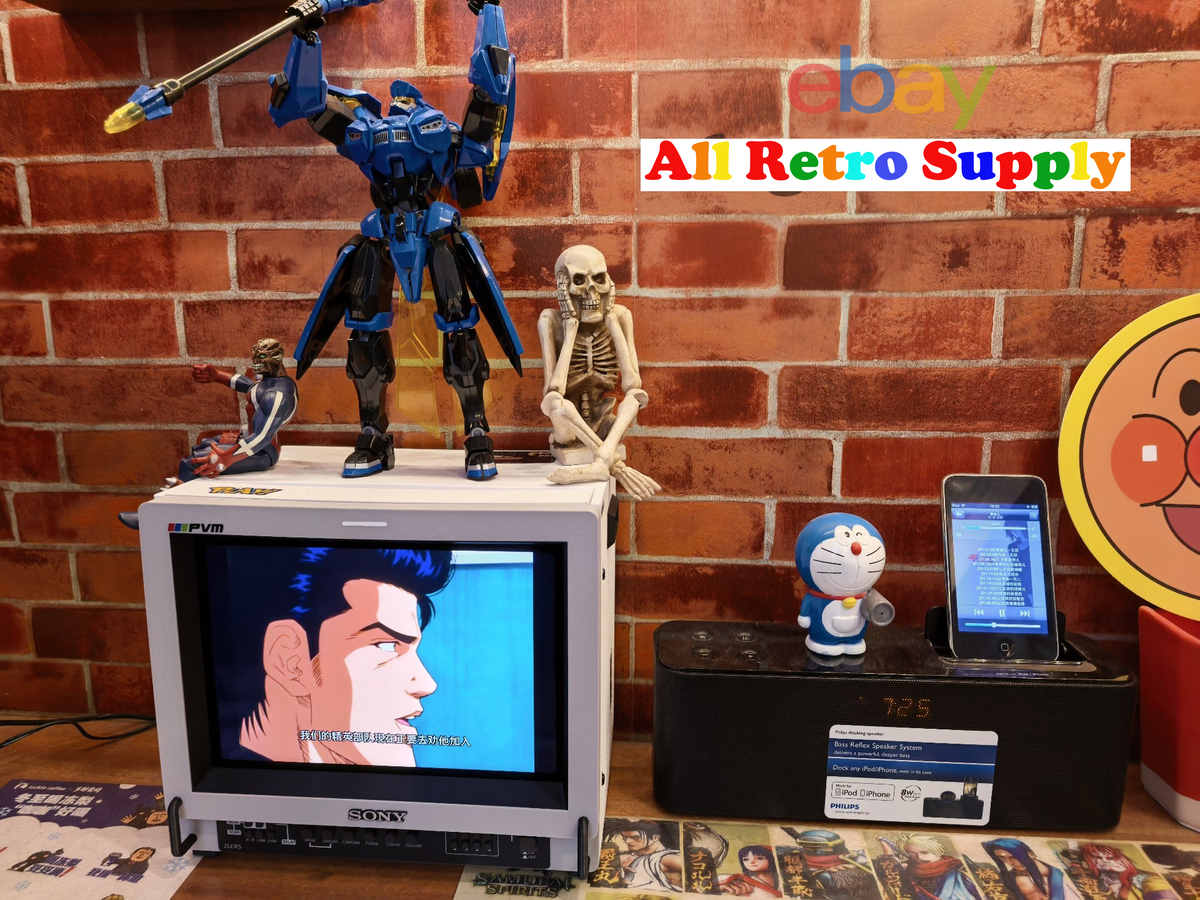
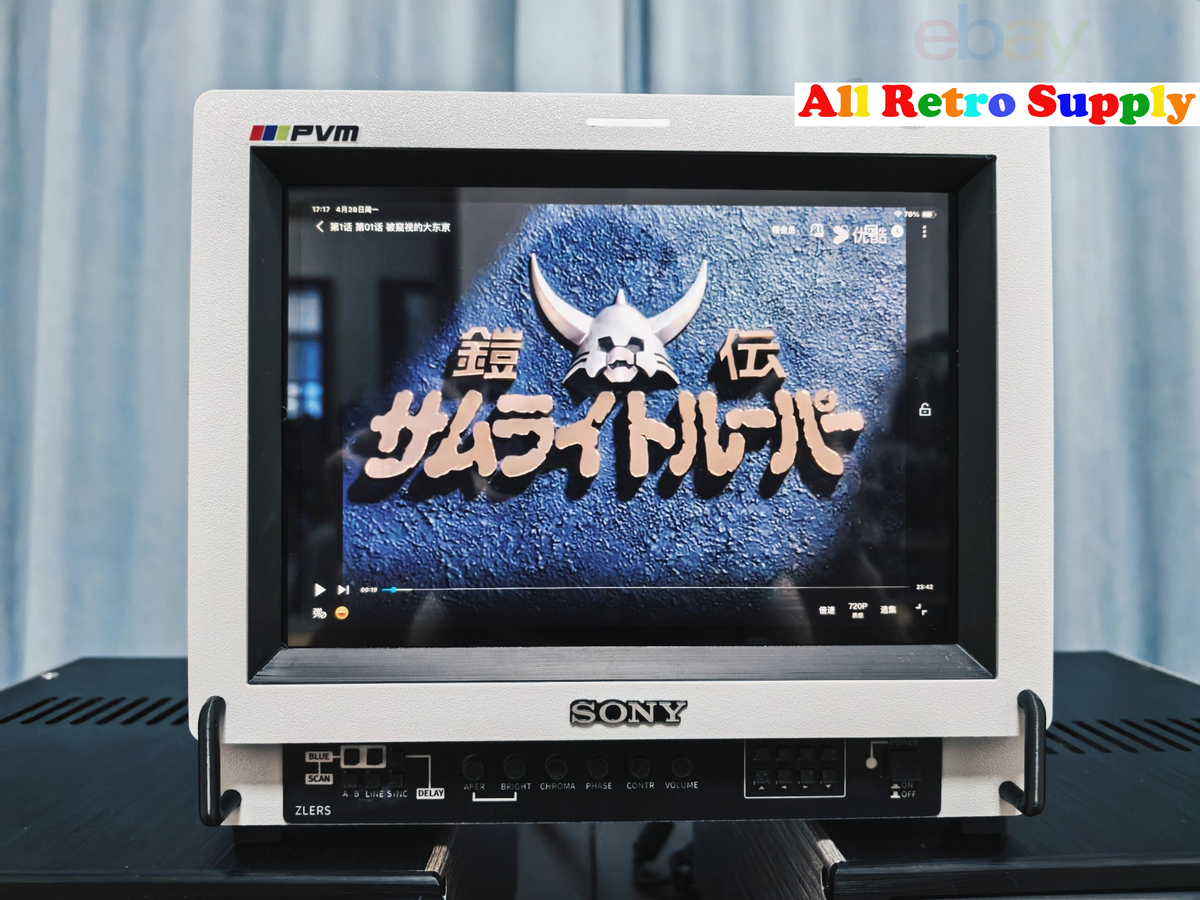
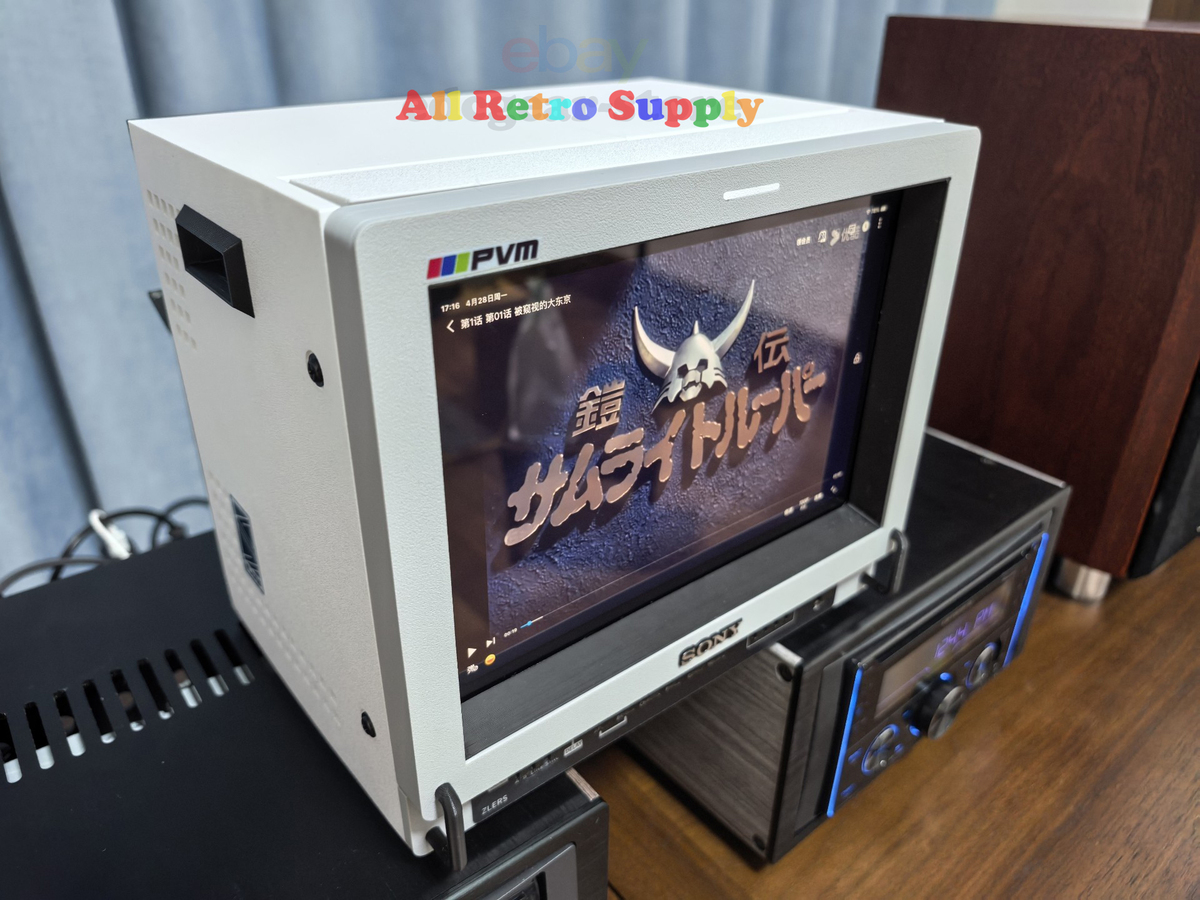
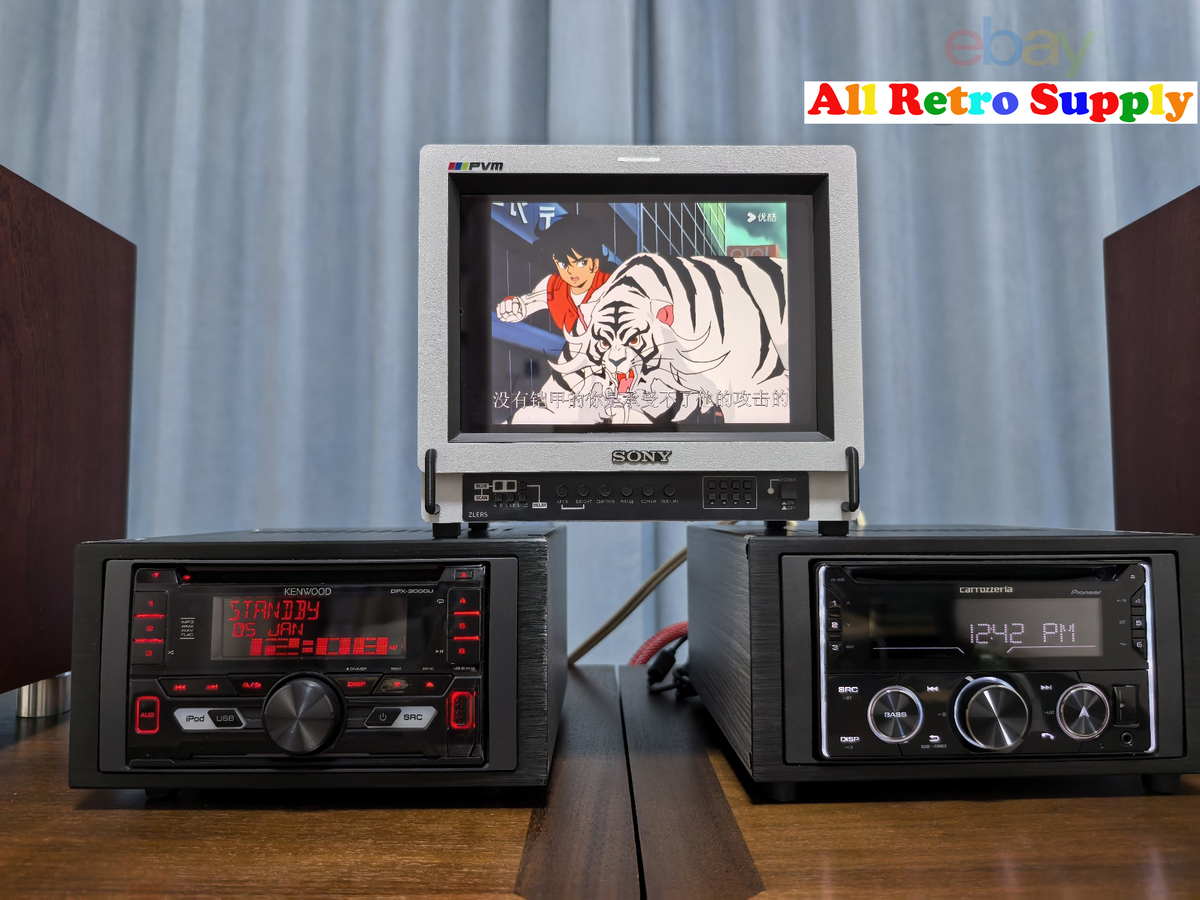
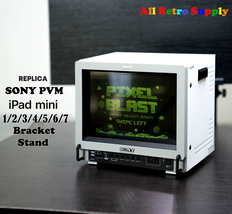
3D Print Replica Retro SONY PVM Monitor Design Stand Case For iPad Mini 1234567
$89.90
(It may be possible to pay only $86.90 instead of $89.90 when you
use your bCredits at checkout)
Sign up and get $5.00 bCredits free to use at checkout and another $5.00 bCredits when you make your first purchase. More info
Share & earn! Sign in, share this or any listing, and you’ll get commission when it sells.
Learn more

View full item details »

Shipping options
FREE to United States
Ships from
China

Return policy
Refunds available: See booth/item description for details
Details
Purchase protection
Payment options
PayPal accepted
PayPal Credit accepted
Venmo accepted
PayPal, MasterCard, Visa, Discover, and American Express accepted
Maestro accepted
Amazon Pay accepted
Nuvei accepted
View full item details »
Shipping options
FREE to United States
Ships from
China
Return policy
Refunds available: See booth/item description for details
Details
Purchase protection
Payment options
PayPal accepted
PayPal Credit accepted
Venmo accepted
PayPal, MasterCard, Visa, Discover, and American Express accepted
Maestro accepted
Amazon Pay accepted
Nuvei accepted
Item traits
| Category: | |
|---|---|
| Quantity Available: |
14 in stock |
| Condition: |
New |
| Brand: |
Unbranded/Generic |
| Model: |
iPad Mini Case |
| Compatible Brand: |
For Apple |
| Color: |
White |
| Country/Region of Manufacture: |
China |
| Features: |
Magnetic |
| Character: |
SONY PVM |
| Material: |
3D Printed Plastic |
| Character Family: |
SONY PVM |
| Compatible Product Line: |
Mac Mini M4 |
| To Fit: |
iPad Mini |
| Type: |
iPad Mini Case |
| Screen Sizes: |
Listing details
| Seller policies: | |
|---|---|
| Shipping discount: |
No combined shipping offered |
| Price discount: |
2% off w/ $80.00 spent |
| Posted for sale: |
More than a week ago |
| Item number: |
1805680145 |
Item description
3D Print Replica Retro SONY PVM Monitor Design iPad Mini Stand Case / Holder / Bracket
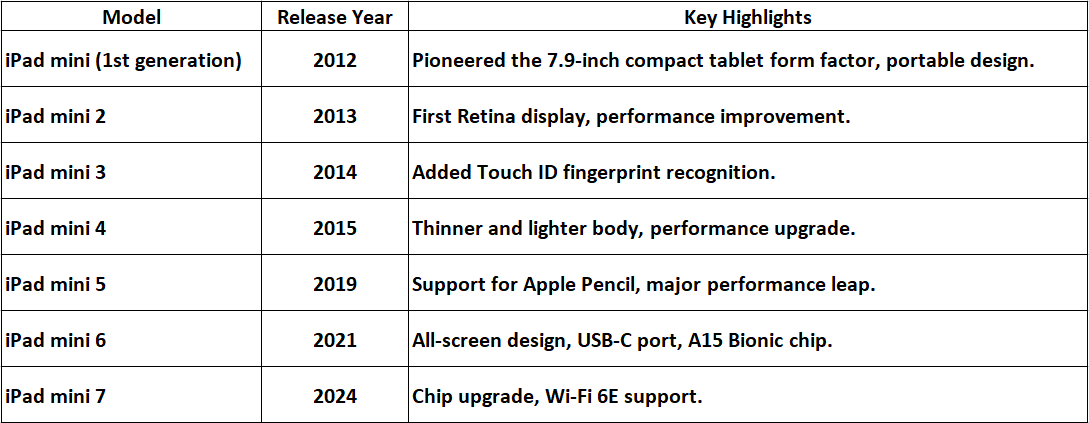
Compatible model: Apple iPad Mini 1/2/3/4/5/6/7
***Please note your iPad mini generation or provide the specific model number in the order (or leave us a message). This is very important, if not specified or if the model number is incorrect, any resulting losses will be your own responsibility.
Purchase Notes:
Production begins soon after order placed
Cancellations not accepted
Production time: 10 working days (rush orders not accepted)
Custom DIY product - no returns or refunds
Handcrafted 3D print product may have minor imperfections - not recommended for perfectionists
This 3D-printed product is made of thermoplastic material. Avoid direct sunlight exposure to prevent deformation and accelerated aging.
This 3D-printed case will be shipped as bulk components and requires self-assembly after receipt. The assembly process is relatively straightforward, primarily involving the tightening of some screws. However, it does require a certain level of hands-on skill. Please refrain from placing an order if you are unable to assemble it yourself.
-------------------------------------------------------------------------------------------------------------------
Here are the best ways to identify which generation your iPad mini belongs to:
Method 1: Check in Settings (Most Direct)
This is the easiest and most reliable method.
Open the Settings app on your iPad mini.
Tap General About.
Look at the Model Name field. It should directly state the generation, for example: "iPad mini (6th generation)".
If you only see a model number (starting with 'A'), tap on it. It may change to show the descriptive name.
Method 2: Look Up the Model Number
If the name isn't clear, use the model number.
Find the Model Number: Go to Settings General About. You can also find the small print on the back of older iPad mini models.
Search Online: Use this number (e.g., A1432, A1489, A1599, A1600) on Apple's official "Identify your iPad model" support page or on reputable tech websites to find the corresponding generation.
Method 3: Identify by Physical Design (Visual Clues)
The iPad mini has had two major design shifts, which make it easy to narrow down.
iPad mini 1-5 (Classic Design): These all share a similar look with:
Thick top and bottom bezels (frames).
A physical Home Button (with Touch ID on mini 3 and later).
A Lightning port at the bottom.
iPad mini 6 7 (Current Design): A major redesign with:
All-screen design with much thinner, uniform bezels.
No Home Button (uses Touch ID in the top button instead).
A USB-C port at the bottom.
Quick Reference by Model Number
For a faster check, here are the model numbers for each generation:
iPad mini (1st generation): A1432, A1454
iPad mini 2: A1489, A1490, A1491
iPad mini 3: A1599, A1600
iPad mini 4: A1538, A1550
iPad mini (5th generation): A2133, A2124, A2126, A2125
iPad mini (6th generation): A2567, A2568, A2569
iPad mini (7th generation): A2836, A2837, A2838
Summary
For the quickest result, start with Method 1 (Settings General About). If that's not clear, Method 3 (Physical Design) will easily tell you if you have an older classic model (mini 1-5) or a new all-screen model (mini 6 or 7).
|
Why are we showing these items?
Search Results
Case, ipad/tablet/ebook accessories"case" Category "iPad/Tablet/eBook Accessories"
|










-
Refine your browsing experience
We can show you more items that are exactly like the original item, or we can show you items that are similar in spirit. By default we show you a mix.


This item has been added to your cart
 3D Print Replica Retro SONY PVM Monitor Design Stand Case For iPad Mini 1234567 added to cart.
14 available in stock
3D Print Replica Retro SONY PVM Monitor Design Stand Case For iPad Mini 1234567 added to cart.
14 available in stock
View Cart or continue shopping.
 Please wait while we finish adding this item to your cart.


Get an item reminder
We'll email you a link to your item now and follow up with a single reminder (if you'd like one). That's it! No spam, no hassle.
Already have an account?
Log in and add this item to your wish list.


