


Android16 Smart Home Theater TV Box 2G16G and 50 similar items
Free Shipping
12 recent views
Android16 Smart Home Theater TV Box 2G16G 2.4G 5G Wifi T1
$59.95 - $69.95
(It may be possible to pay only $56.95 instead of $59.95 when you
use your bCredits at checkout)
Sign up and get $5.00 bCredits free to use at checkout and another $5.00 bCredits when you make your first purchase. More info
Share & earn! Sign in, share this or any listing, and you’ll get commission when it sells.
Learn more

View full item details »

Shipping options
FREE in United States
Offer policy
OBO - Seller accepts offers on this item.
Details
Return policy
Full refund available within 30 days
Purchase protection
Payment options
PayPal accepted
PayPal Credit accepted
Venmo accepted
PayPal, MasterCard, Visa, Discover, and American Express accepted
Maestro accepted
Amazon Pay accepted
Nuvei accepted
View full item details »
Shipping options
FREE in United States
Offer policy
OBO - Seller accepts offers on this item.
Details
Return policy
Full refund available within 30 days
Purchase protection
Payment options
PayPal accepted
PayPal Credit accepted
Venmo accepted
PayPal, MasterCard, Visa, Discover, and American Express accepted
Maestro accepted
Amazon Pay accepted
Nuvei accepted
Item traits
| Category: | |
|---|---|
| Quantity Available: |
19 in stock |
| Condition: |
New |
| Features: |
4K |
| Audio/Video Outputs: |
HDMI |
| Operating System: |
Android |
| Type: |
Box |
| Maximum Resolution: |
2160p |
| Connectivity: |
Ethernet Port |
| Brand: |
LVMAO |
| Country of Origin: |
China |
| Models: |
Listing details
| Shipping discount: |
Seller pays shipping for this item. |
|---|---|
| Posted for sale: |
September 13 |
| Item number: |
1815535665 |
Item description
????
Product Applications
Watching High-Definition Videos:Supports
4K@60fps high-definition video decoding, presents delicate and
realistic picture quality effects, allowing you to enjoy cinema-level
viewing experience at home.
Playing Games: Supports hardware 3D graphics acceleration, making the game picture more smooth and realistic.
Browsing the Web:Built-in Chrome browser, browse the web anytime, anywhere.
Using Applications:Compatible with a large number of applications, meeting your various entertainment needs.
Office and Learning: Can connect a keyboard and mouse, making office and learning more efficient.
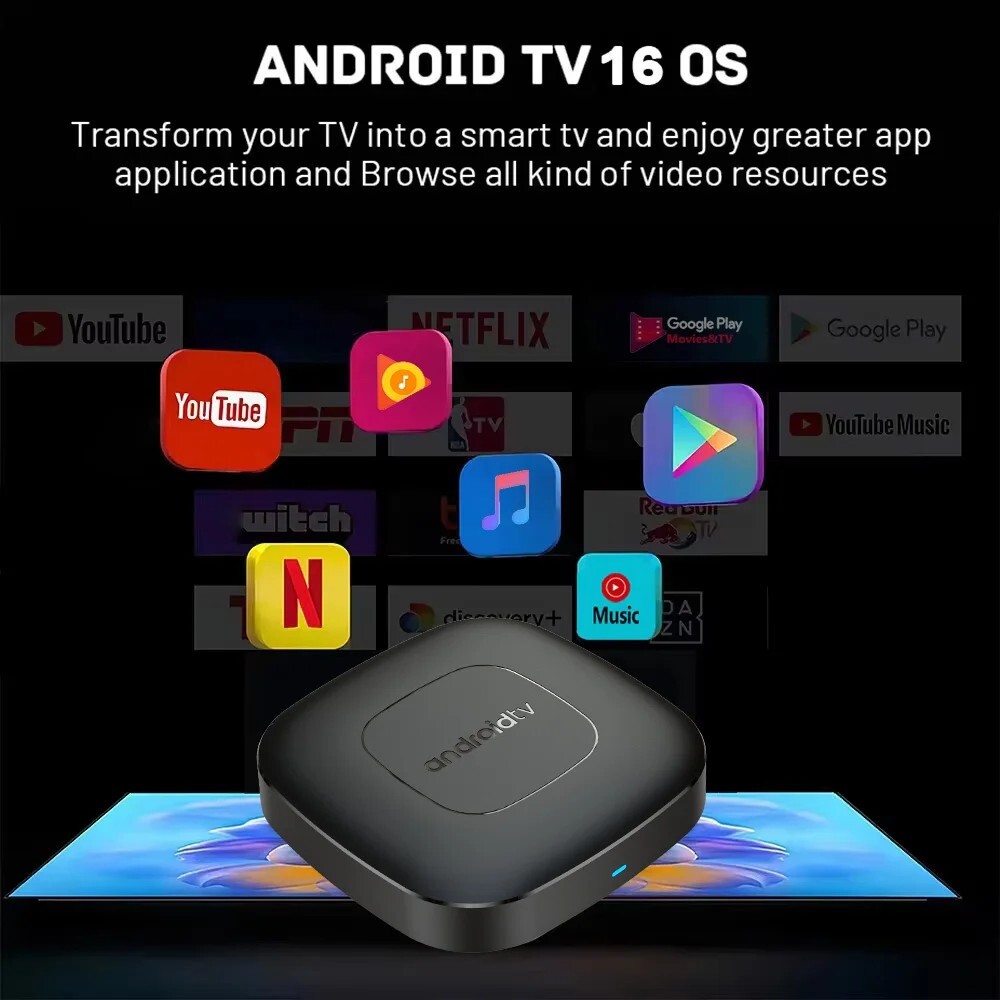
Android 16.0
Higher quality output, Powerful graphics processor, Stable performance
Special Notes
1.The
T1 machine comes with two Netflix applications: ATV version of Netflix
(white icon Netflix) and Amobile version of Netflix (black icon
Netflix). Currently, the black icon Netflix is relatively stable, and
users can directly use this version with the remote control mouse mode.
When entering the account password, the remote control needs to be
switched to the remote control mode, and the mouse mode is required at
other times. If you have any questions about use, please contact
customer service to ask for specific usage videos.
2.
Due to strict regional restrictions, Disney applications are not
compatible. Our developers are constantly developing more
Disney-compatible versions.Once a new version is available, we are
willing to send it to customers as soon as possible.Currently Disney is
not available. If users mind, please do not purchase it.
3.
If some applications fail to load when users download them, it is
because the downloaded application version is incompatible with the
Android system of the machine, not a machine quality issue. Please try
again to find a more suitable program version for download.
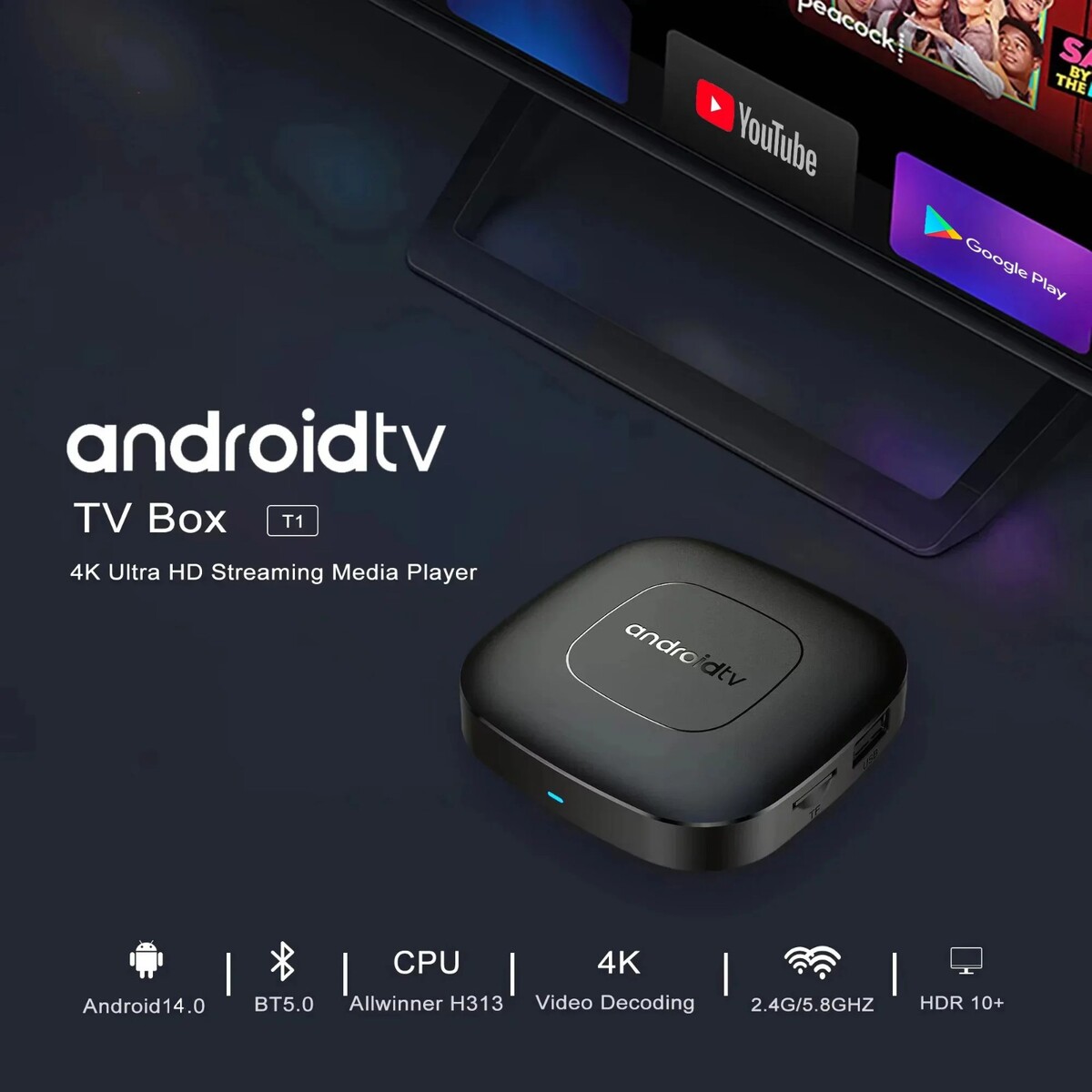
Allwinner H313
Strong SoC for smoother operation and clearer image quality effects.
4K Video Decoding
Powerful video decoding function ,higher definition,more realistic image effection.
HDR 10High Dynamic Range
Make the picture display more vivid and beautiful.
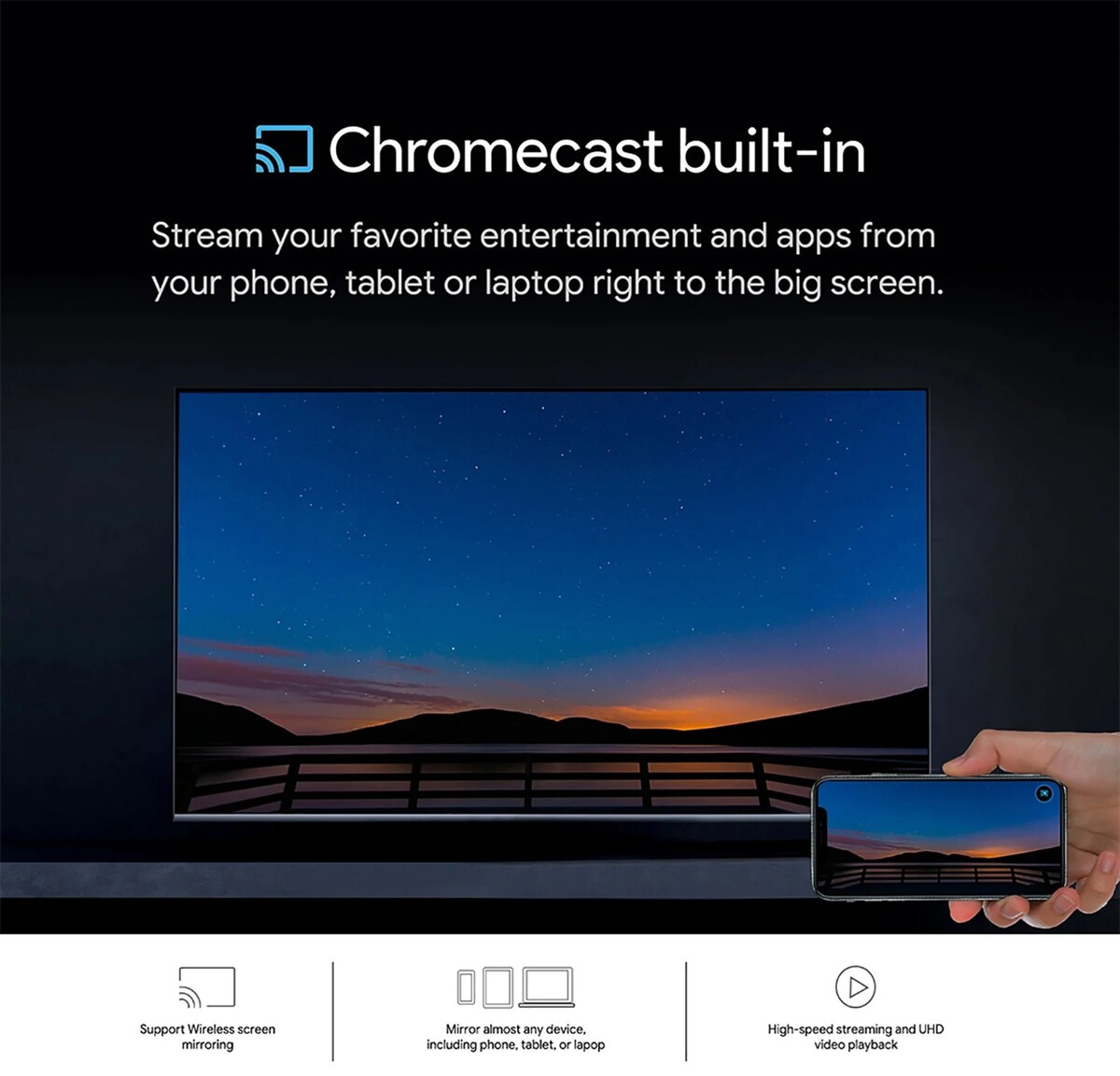
Multi Screen Sharing
Easily share the small screen to the large screen.You can play games and watch You can play games and watch
Dual band WiFi
2.4G and 5G dual band WiFi, with good compatibility, fast network speed, and smoother performance
Dolby Vision Dolby Audio
Experience lifelike clarity and color with Dolby Vision and Dolby Audio for a fully immersive experience.
Rich interface simple connection
Small interface big effect, can meet various entertainment needs
Package Include:
HDMI Cable*1
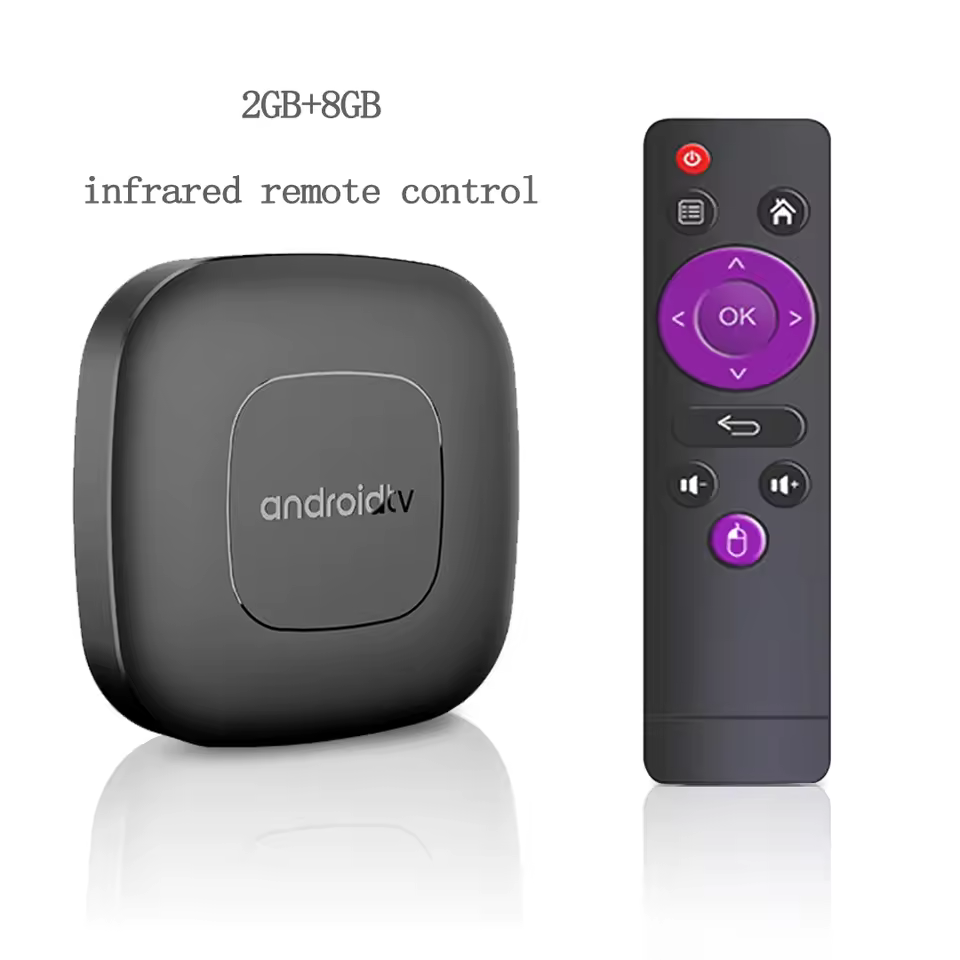
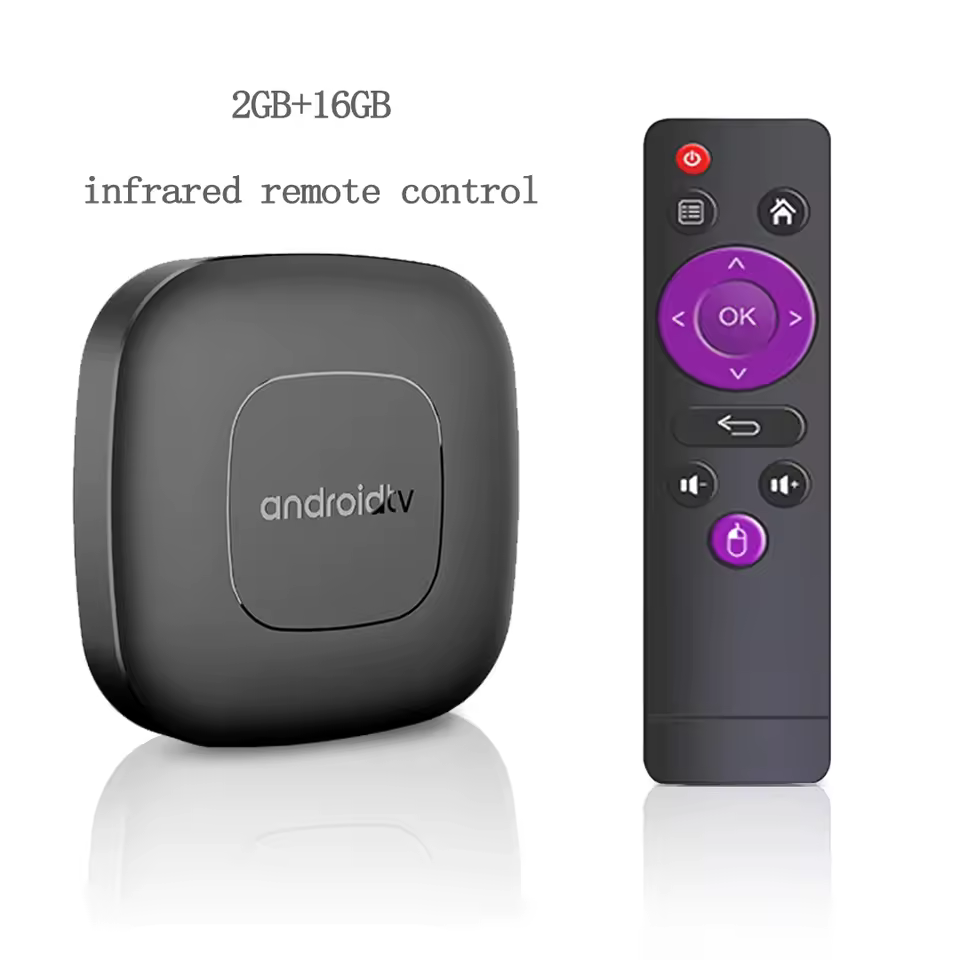
Remote Control*1
USB Charger*1
User Manual*1
Direction for use
Because
the T1 machine will regularly update the software system to ensure that
users receive the latest and best system, the Android system of the T1
machine has been gradually upgraded to Android 14. If the user receives
an Android 14 system, they can use it with confidence. Our front-end
developers have updated the T1 machine to the latest Android system
version, which can be better compatible with more suitable applications.
How to use Google Voice Assistant,? How to use Bluetooth voice remote, microphone?
Step 1: Tap the voice button and release it.
Step
2: Wait until the voice input pop-up box appears in the lower right
corner of the TV, then long press the voice button and input voice
commands at the same time (press and hold the voice button and speak
into the microphone).
Step 3: After the voice command is input, release the voice button (release the voice button after speaking).
Step 4: The machine will automatically perform corresponding actions based on the voice command.
How to install T1 TV box? T1 TV box installation steps
Step
1: Connect one end of our standard HDMI cable to the HDMI interface of
the set-top box , and the other end to the HDMI interface of the TV
Step
2: Using our standard USB power cord, with a 5V2A power supply (the
suggestion given by the power supply is to use 5V2A specifications. If
it is not this specification, it may cause the machine's power supply
voltage Unable to run)and the set -top box indicator turns from the blue light to the red light)
Step
3: The blue indicator of the box box is on, indicating that the machine
is running normally. Users need to use a TV remote control to switch to
the set -top box to access the corresponding signal source of the
corresponding HDMI port. Only when the signal source is switched to the
corresponding signal source, the set -top box screen will access the TV.
Step 4: Open the network settings, connect to the network, and you can surf the Internet normally
|
Why are we showing these items?
Search Results
Tv, tv, video & home audio"tv" Category "TV, Video & Home Audio"
|


-
Refine your browsing experience
We can show you more items that are exactly like the original item, or we can show you items that are similar in spirit. By default we show you a mix.

This item has been added to your cart
 Android16 Smart Home Theater TV Box 2G16G 2.4G 5G Wifi T1 added to cart.
19 available in stock
Android16 Smart Home Theater TV Box 2G16G 2.4G 5G Wifi T1 added to cart.
19 available in stock
View Cart or continue shopping.
 Please wait while we finish adding this item to your cart.


Get an item reminder
We'll email you a link to your item now and follow up with a single reminder (if you'd like one). That's it! No spam, no hassle.
Already have an account?
Log in and add this item to your wish list.


